
Guide
Luminar Mobile vs Luminar Neo Desktop: What Actually Differs
Same family, different benches. An honest comparison of the Luminar Android app and desktop Luminar Neo: tools, workflow, projects that move between them, and which one a photographer actually needs.
 By Clara Whitmore, Photo App Reviewer
CONTENTS On this page
Same Family, Different Benches
The confusion is understandable: one name, two editors. The Luminar Neo APK download page exists because Android users search the Neo name for what is actually Skylum's Luminar mobile app. Desktop Luminar Neo is a full studio for Windows and macOS. The Android app is a touch-first editor that carries the family AI tools, EnhanceAI, SkyAI, RelightAI and the portrait suite, into phones, tablets and Chromebooks.
Neither is the other's demo. Each is the complete editor for its own ground.
Where the Desktop Wins
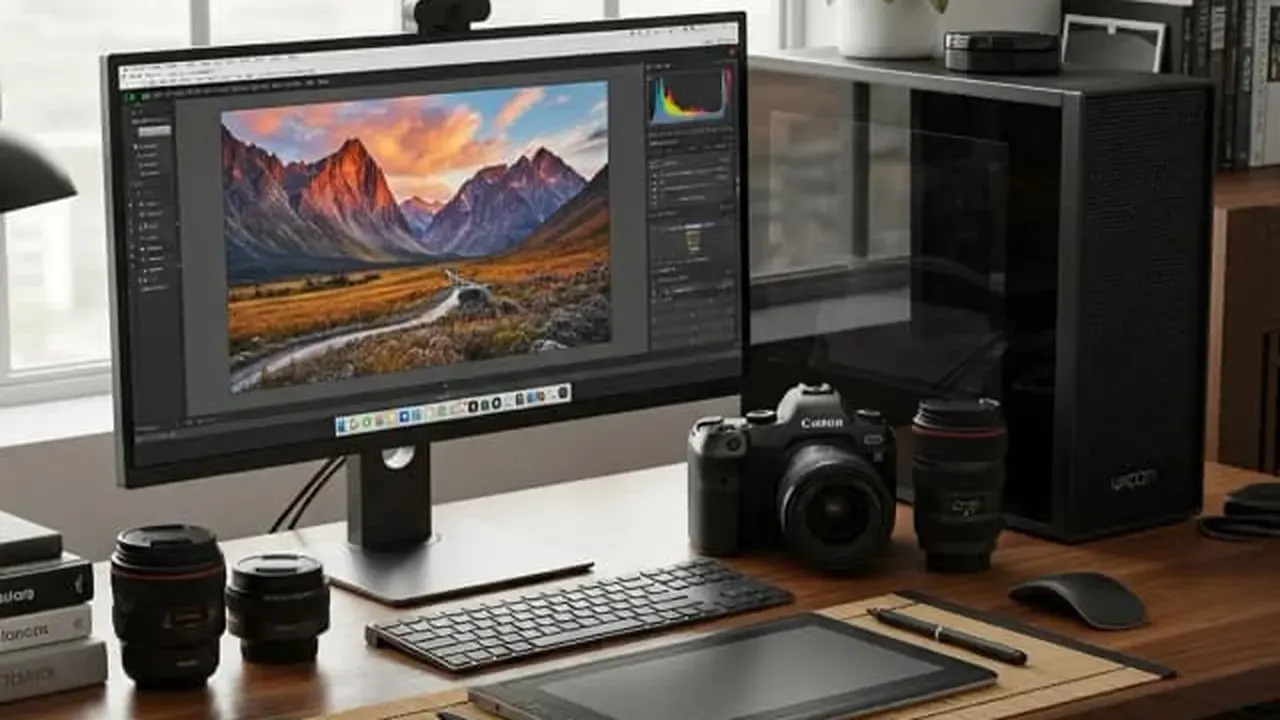
Big screens, deep catalogues, heavy batch work and the full extension ecosystem live on desktop. A wedding set of eight hundred RAW files is desktop work, and pretending otherwise helps no one.
The desktop also suits long, layered, deliberate edits: the photograph as a weekend project. The Your First Five Edits: A Beginner Path Through Luminar shows the mobile side of that same serious workflow.
Where Mobile Wins
Mobile wins on time and place. The photo edited on the train home beats the photo edited next week, and one-dial AI makes that edit honest rather than slapdash. Tablets narrow the gap further, as the RAW Editing on Android: Develop Camera Files in Luminar covers.
Mobile also wins the social half of photography: shoot, edit, share, in one device, in minutes, while the moment is still warm.
The Honest Answer
Most photographers who love one end up using both: mobile for the field and the quick, desktop for the archive and the epic. The shared project path between them is the family resemblance that actually matters.
Choose by where your photos live. If they live on your phone, start there, and let the desktop earn its place later.
Quick Answers
Is the Android app just Luminar Neo shrunk?
No. It is its own editor built for touch and mobile screens, sharing the Neo family's AI tools and project integration rather than copying the desktop interface.
Can I start on mobile and finish on desktop?
Yes. The mobile app integrates with Luminar Neo on Windows and macOS, so a project begun on a phone or tablet can continue in the desktop studio.
Which should a beginner buy time with first?
The mobile app. Its one-dial edits teach what a good edit looks like, and the skills transfer directly to the desktop bench later.