
Guide
Edit Product Photos in Luminar: Cleaner Shots That Sell
Buyers judge a product by its photograph. This guide cleans backgrounds, fixes light, keeps colours truthful, and exports the right sizes for every shelf a product sits on.
 By Clara Whitmore, Photo App Reviewer
CONTENTS On this page
A Clean Background First
A product photo sells one thing, and everything else in the frame is a tax on it. In Skylum Luminar Neo app, start by cleaning the stage: erase the stray props, dust and scuffs with the same technique as our object removal guide, straighten the horizon of the table, and let the background fall quiet. A buyer should never wonder what they are looking at.
White and light backgrounds forgive the most. If the original background fights the product, a tighter crop is often the honest fix.
Light That Shows the Product
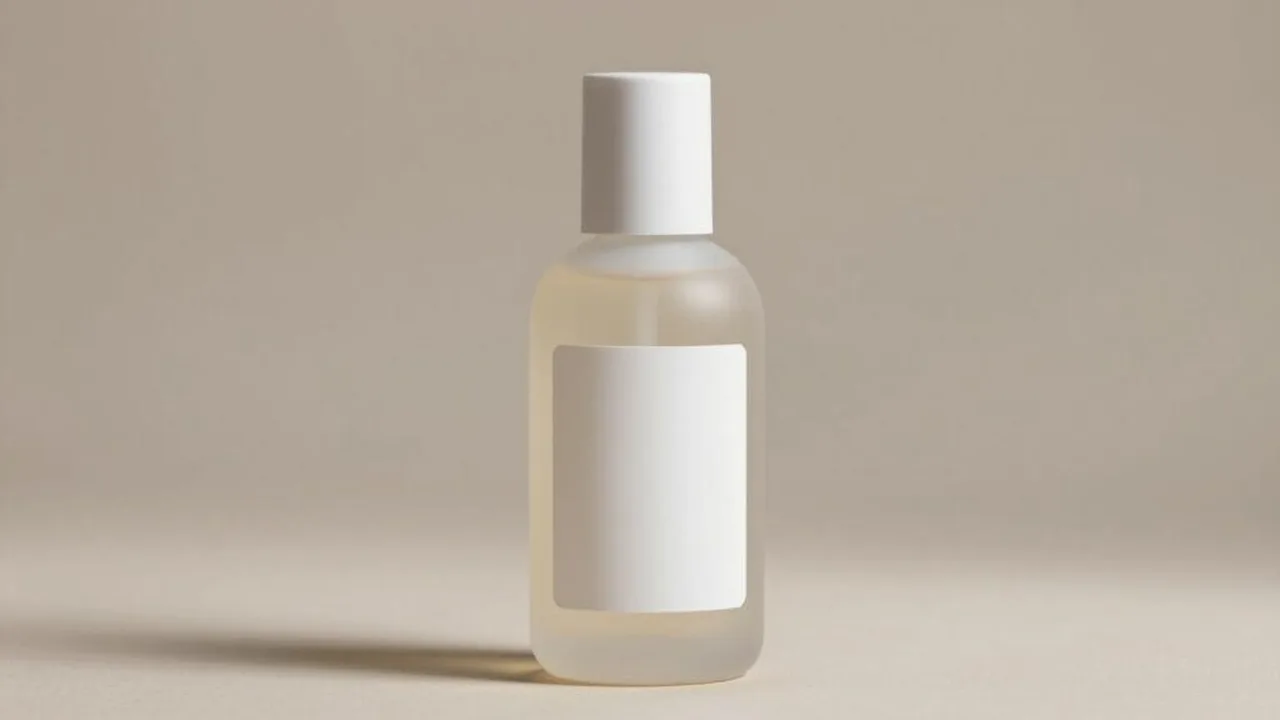
Products are read by their highlights. Lift shadows until labels and textures are legible, keep highlights from blowing off glass and metal, and let contrast give the object its shape. A bottle, a shoe and a watch all sell the same way: the eye must travel the product without squinting.
Consistency across a set matters more than drama in one shot. Edit the first photo properly, then carry its light across the whole set so a shop page looks like one shop.
Colour That Matches the Real Thing
Product colour is a promise. The red of the dress in the photo must be the red that arrives, or the return parcel writes your review for you. Grade gently, check the product in your hand against the screen, and beware fashionable looks that bend hues. Geometry matters too: the perspective fixes in our crop and geometry guide keep boxes square and bottles upright.
When in doubt, choose the duller truth over the prettier lie. Marketplaces are full of the second and short of the first.
Export Sizes for Every Shelf
One master edit, many shelves: the marketplace listing, the social post, the story, the catalogue. Export each at its proper size and sharpness rather than letting each platform crush the same big file its own way. Our batch export guide covers producing the whole family of sizes in one pass.
Every tool in this guide lives in the app itself. The download page is where the Android file is listed, with the package and developer details to check before installing.
Quick Answers
What is the most important edit for a product photo?
A clean background and honest light. Remove distractions, make the label legible, and keep the product's true shape and colour.
Should product photos use filters or presets?
Only very gentle ones, applied consistently across the set. A look that changes the product's colour will cost you returns.
What size should I export for a marketplace listing?
Export at the largest size the marketplace accepts from your master edit, and make separate smaller exports for social posts rather than reusing one file everywhere.