
Guide
SkinAI Portrait Retouching: Smooth Skin That Still Looks Real
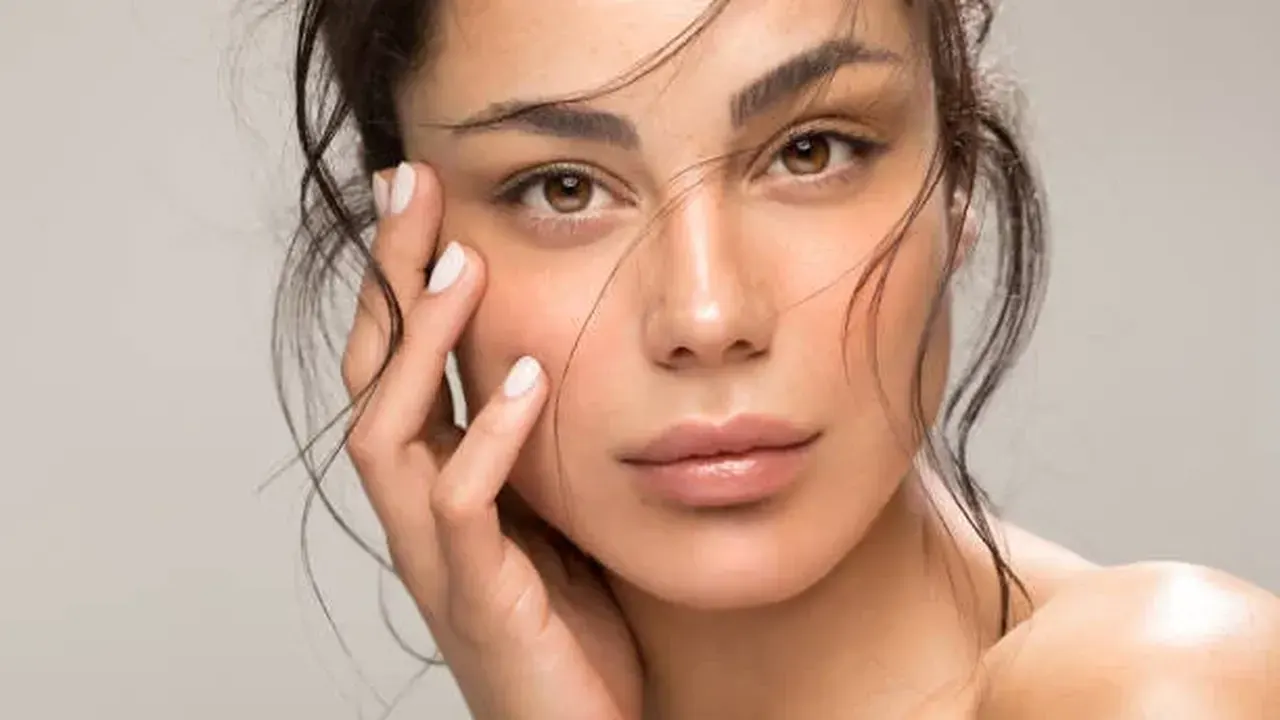
SkinAI in Luminar smooths skin, removes blemishes and shine, and keeps real texture. This guide shows how far to push each control for portraits that still look like the person.
 By Clara Whitmore, Photo App Reviewer
CONTENTS On this page
The Texture Rule
Good retouching has one rule: skin must still look like skin. The Luminar APK takes that seriously. SkinAI smooths tone and removes temporary blemishes, shine and small wrinkles while leaving pores and real texture in place, which is why its results read as a good night's sleep rather than a plastic filter.
Work at the gentle end. Half strength on a portrait shot at arm's length is usually invisible as an edit and obvious as an improvement. If a viewer can tell skin was retouched, the dial went too far.
FaceAI, the Quiet Companion
FaceAI brightens the face and refines proportions slightly: eyes a touch clearer, face light lifted, nothing restructured. Run it after SkinAI, because brightening skin that still carries blemishes just advertises them.
For the light underneath it all, the RAW Editing on Android: Develop Camera Files in Luminar guide covers the depth-based relighting that makes portrait skin look even before retouching starts.
Shine, Redness and Colour Casts
Shine removal is SkinAI at its most useful: foreheads and noses under event lighting calm down without going matte and dead. Work the shine control separately from smoothing, because oily shine and rough texture are different problems.
Redness from cold weather or harsh sun responds to a light pass as well. Keep the person's natural colour in the cheeks, or the portrait turns waxy. The Presets and Filters in Luminar: Build a Look, Then Make It Yours explains how a final gentle grade ties the face back into the scene.
Knowing When to Stop
Zoom out to the size the photo will actually be seen. Most portraits live as phone-sized images, where tasteful restraint beats pixel-level perfection. Save a version, sleep on it if the portrait matters, and compare in the morning.
Export the retouched portrait at full quality. Skin gradients are delicate, and a harsh export undoes careful work with banding and blotches.
Quick Answers
Does SkinAI remove freckles and moles?
It softens blemishes and shine. Permanent features like moles and freckles are part of a face, and the gentle end of the sliders keeps them. Push any control to maximum and features fade, which is why this guide works at half strength.
Is SkinAI good for group photos?
Yes. The tool finds faces in the frame, so a group portrait gets even treatment without painting each face by hand.
What order should portrait tools run in?
Light first, skin second, shaping last. Fix exposure with RelightAI, then SkinAI, then any gentle FaceAI or BodyAI work.